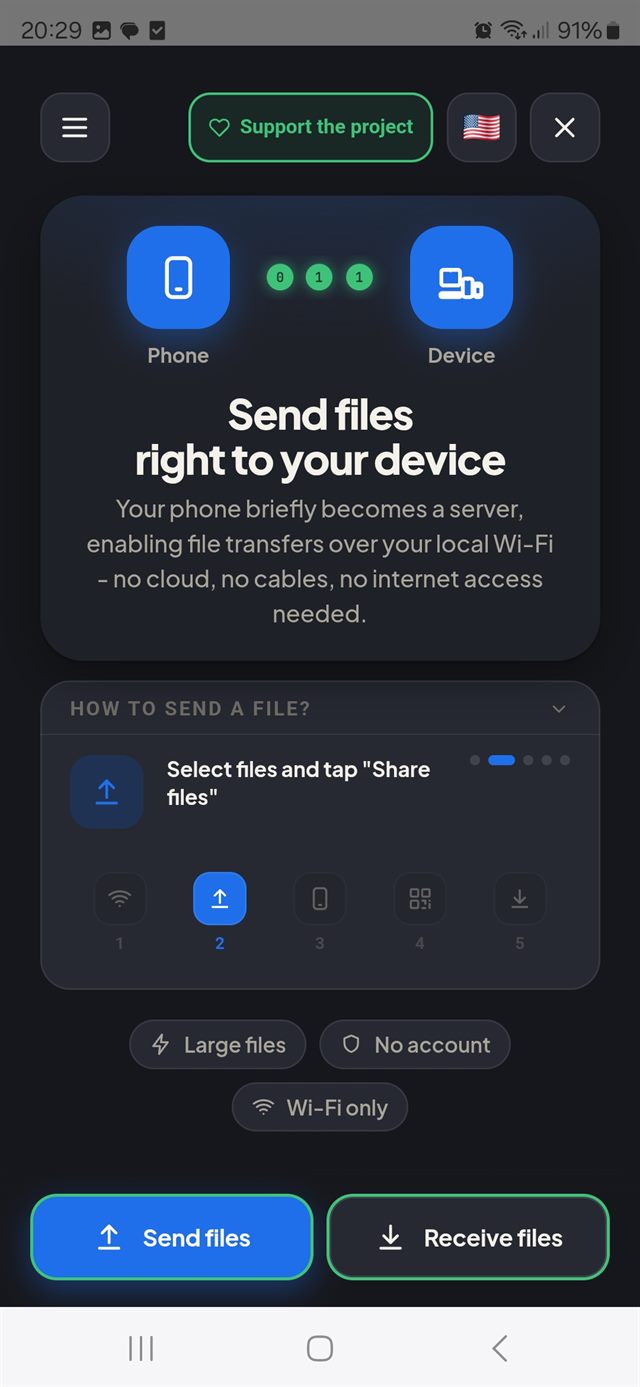
Transfer files over Wi-Fi to any device with a browser. No cloud. No account. Your phone becomes the sender — nothing to install on the other side.

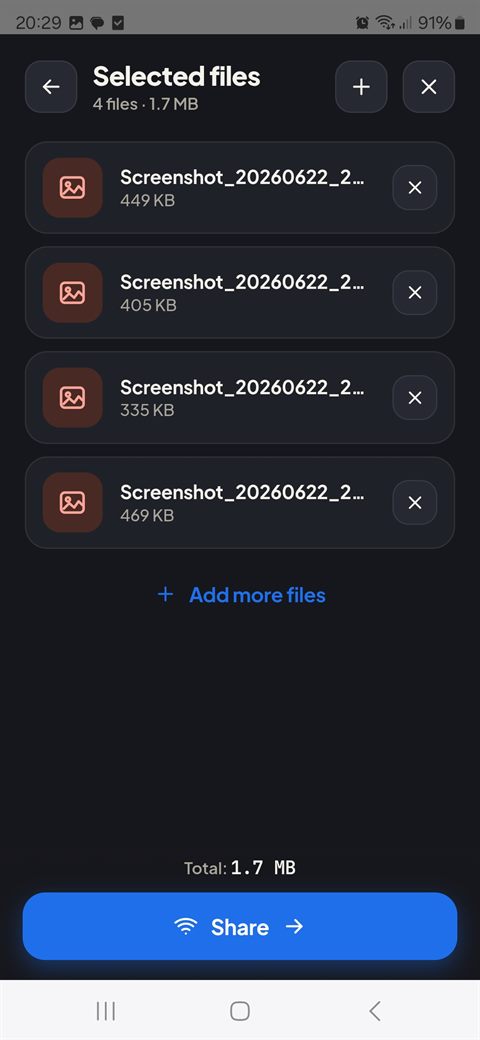
Pick files on your phone, review name and size, then tap Share.

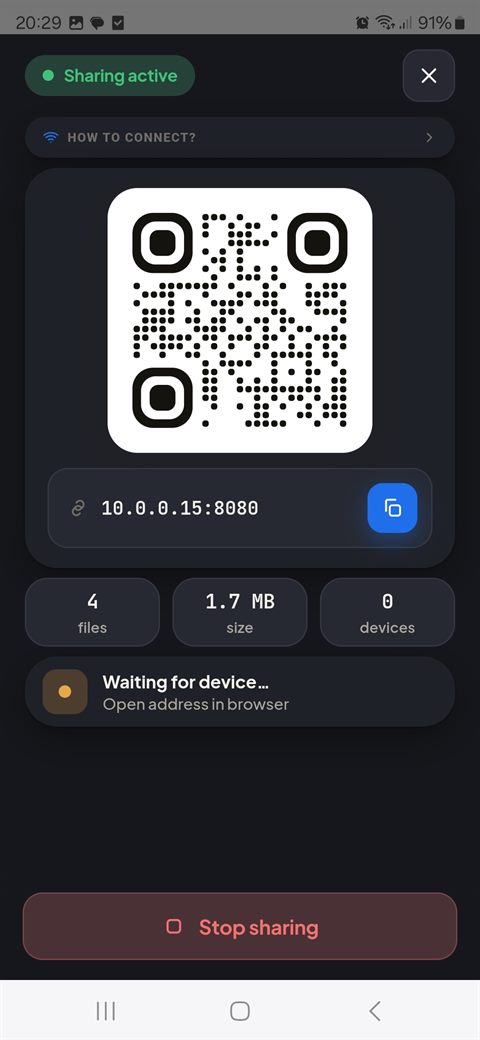
Scan the QR code or tap to copy the address — no typing needed.

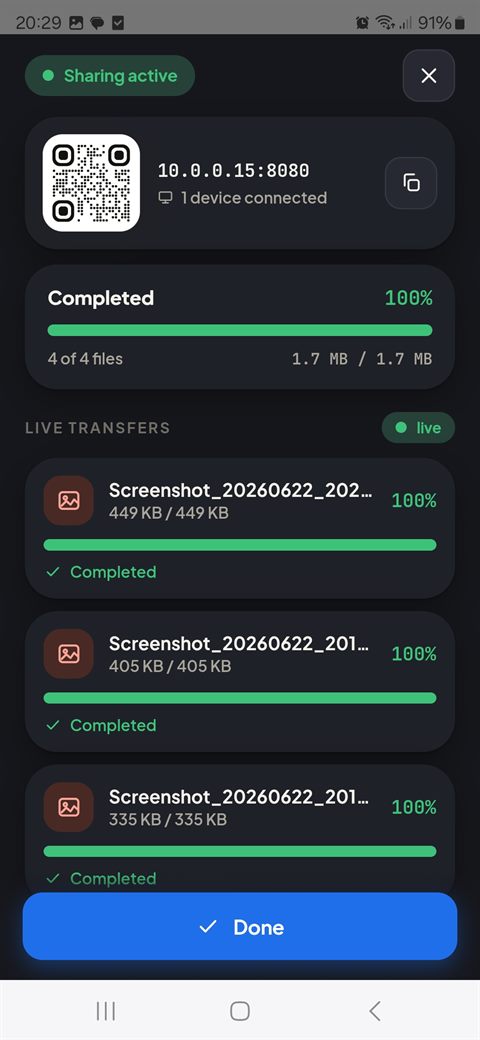
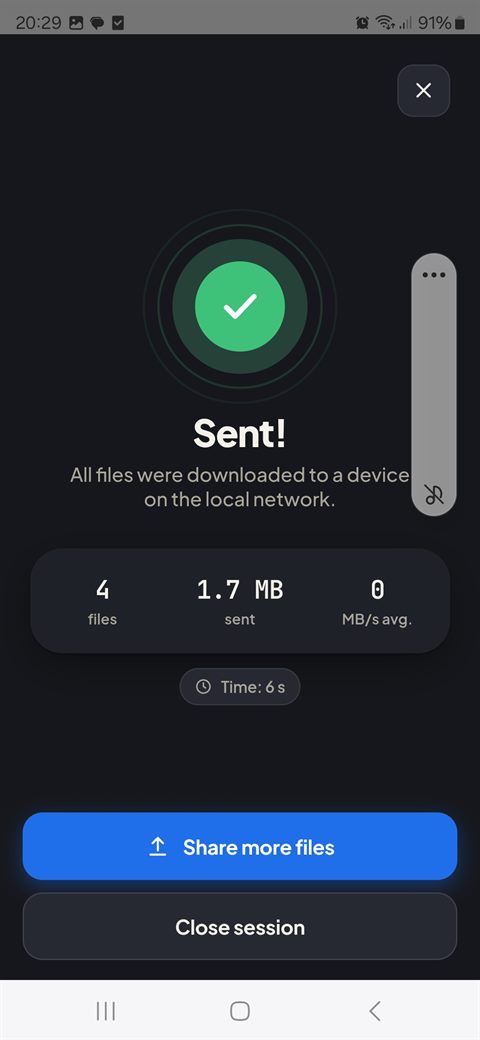
Watch real-time speed and progress on both ends.

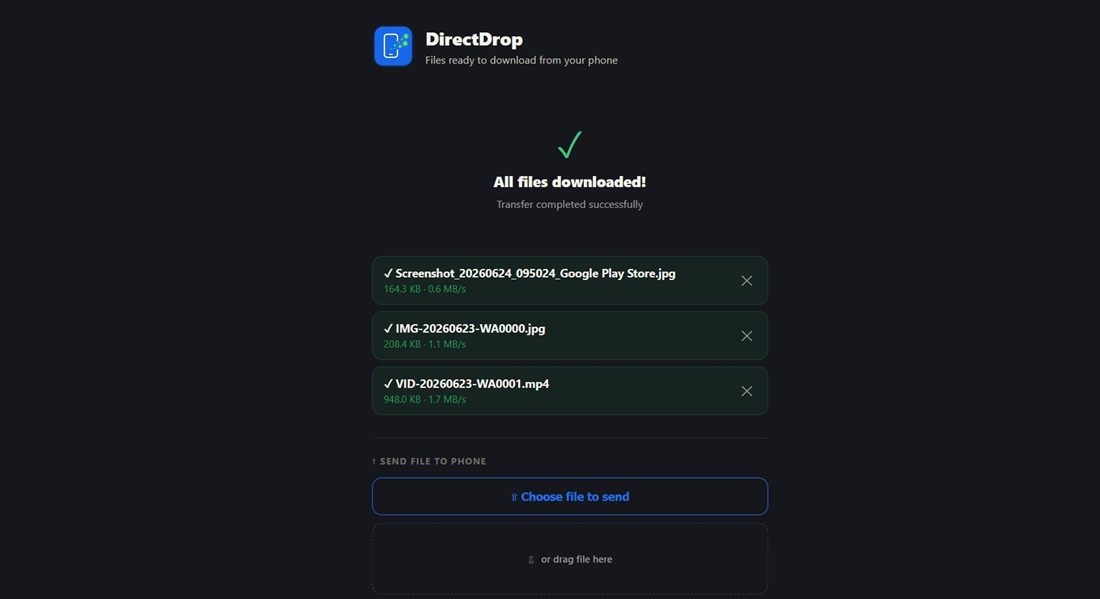
Files land on the other device — downloaded straight from your phone.
Send from phone to any device, or drop files back to your phone.
Grab every shared file in one click.
Share straight from your gallery or file manager — DirectDrop is right there in the share sheet.
Scan and go. Tap-to-copy address as a fallback.
Live transfer speed and progress bar on both ends.
Follows your system preference automatically.
English, Polish, Spanish, German, French, Portuguese, Arabic, Russian, Indonesian, Japanese.
No account, no data collection — everything stays on your local Wi-Fi.
PC, Mac, tablet, smart TV — if it has a browser, it works. Scan the QR code, and files are ready to download instantly. Drag files back onto the page to send them straight to your phone.
Sharing more than one file? Grab everything at once with Download All as ZIP.
Files travel directly between devices on your local network — never through the cloud, never through our servers.